

Content Operations
Dispensary menu change log template
DispensaryVA Editorial TeamPublished
menu managementchange managementdispensary operations
Powered by StealthAgents
Content Operations
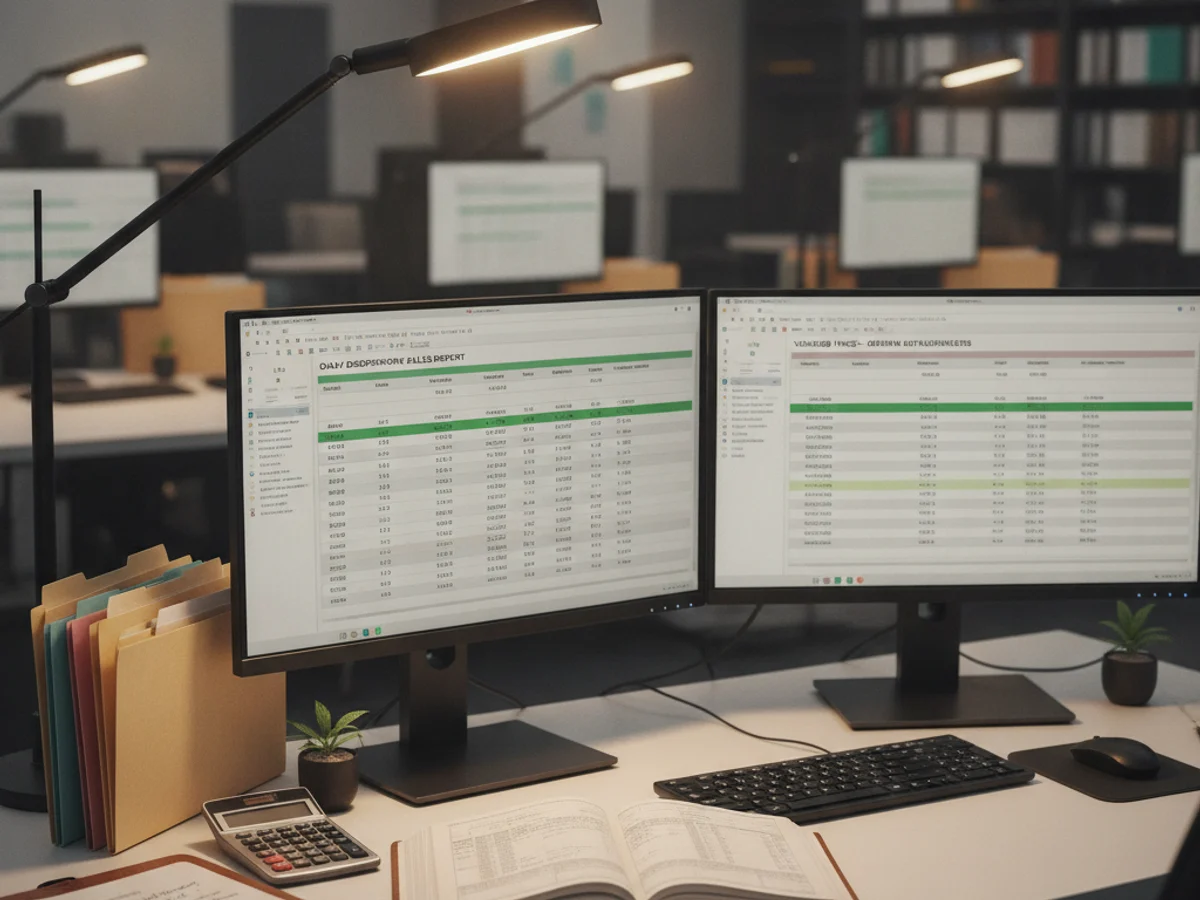
A menu change log gives staff a reliable answer to what changed, why it changed, who approved it, and whether the public version matches the source.
Capture item or page identifier, location, field changed, source record, requester, approver, requested date, publish date, and rollback reference. The dispensary product catalog QA checklist gives the validation steps that should precede a public edit. Use the content refresh workflow for broader page changes.
Label an edit as inventory status, description, image, category, promotion, hours, or technical correction. Different types may require different owners and evidence. Do not bundle unrelated changes under one vague ticket.
Compare the proposed value with the approved source and check links, spelling, accessibility text, and location. Flag unsupported claims or missing approval instead of filling the gap from memory.
Keep the prior value or a reliable version reference, the reason for change, and the person who can reverse it. The NIST configuration management guidance offers a useful general model for controlled changes.
Sample the public menu after publishing and record the result. Review repeated corrections to find upstream data or approval problems.